WhatsApp automation for CAs
Collect client documents on WhatsApp, without the mess
Your clients already send documents on WhatsApp. Docflo connects to your firm's number, picks up every file, works out whose it is and what it is, and ticks it off their checklist — so nothing gets lost between chats.
Your own number
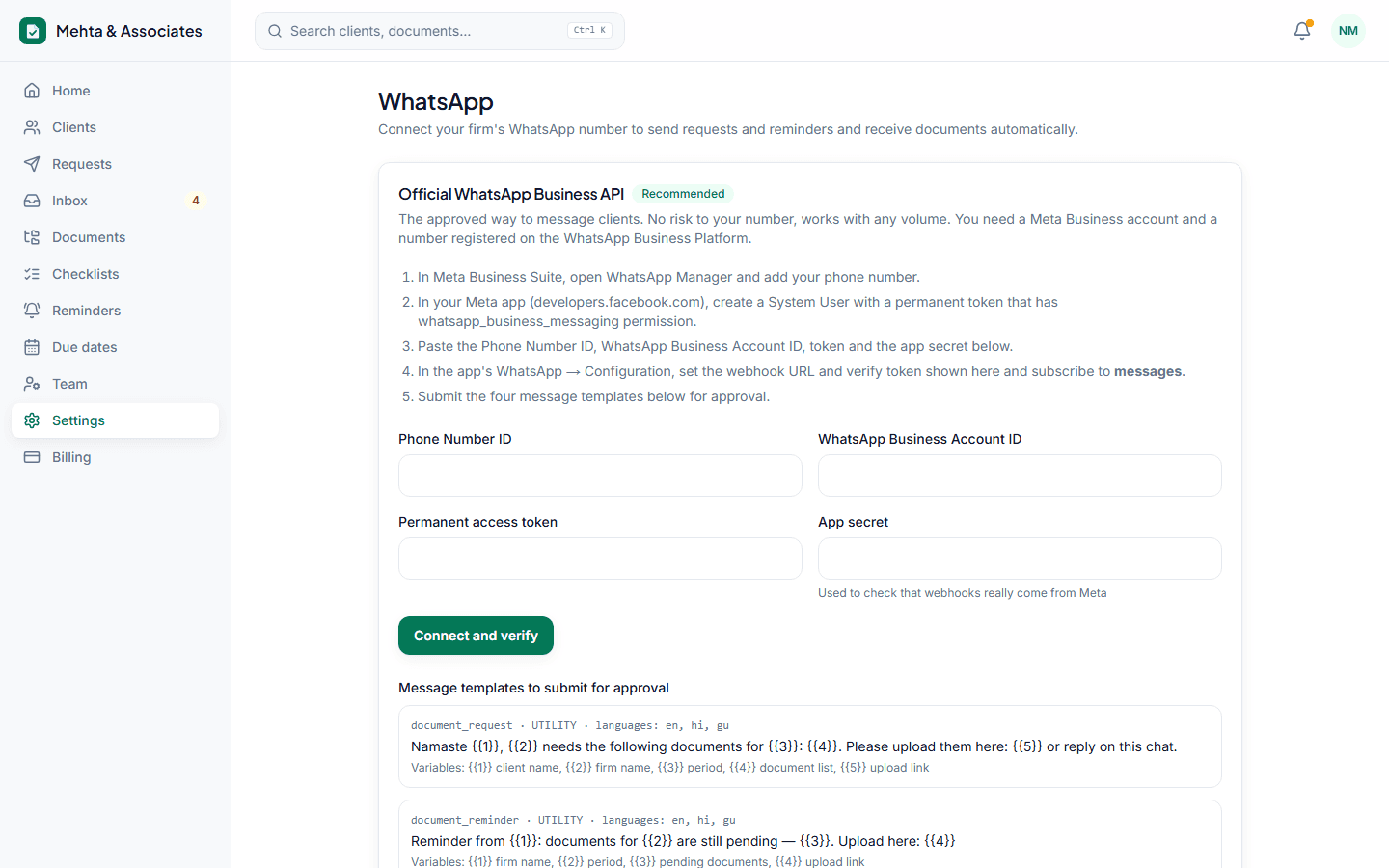
Connect the official WhatsApp Business API, or link the number you already use by scanning a QR code. Clients keep messaging the number they know.
Known clients matched automatically
Files from a client's registered mobile are filed under that client. Messages from unknown numbers wait in an Unmatched tab for your staff to assign.
Replies that save you calls
Clients get an instant 'received' message. If they reply 'kal bhej dunga', reminders pause for a day. Questions about tax are forwarded to you, never answered by the system.
Safe sending limits
On QR-linked numbers Docflo paces messages like a person would, respects quiet hours and only messages people on your client list.
How it works
- 1Connect WhatsApp in Settings — official API or QR scan.
- 2Send a checklist to a client or a whole group.
- 3Documents that arrive are sorted, filed and ticked off.
Questions
Will my WhatsApp number get banned?
With the official API there is no risk from normal use. QR linking is unofficial, so Docflo limits speed and volume and recommends the official API for firms with more than 300 clients.
Can staff see the WhatsApp chats?
Staff see the documents and messages for the clients assigned to them, inside Docflo. Nobody needs your phone.
Do voice notes work?
Yes. Voice notes are transcribed, so 'I will send it tomorrow' in Hindi or Gujarati is understood and reminders pause automatically.
Stop chasing documents this month.
Set up in ten minutes. Free for your first 15 clients, no card needed.